---
title: home_widget_generator
description: Generate native HomeScreen widget code from a Dart schema.
next: /generator/getting-started
---
> ## Documentation Index
> Fetch the complete documentation index at: https://docs.page/abausg/home_widget/llms.txt
> Use this file to discover all available pages before exploring further.
# home_widget_generator
`home_widget_generator` lets you describe a HomeScreen widget once in Dart and have the matching native widget code generated for you. Instead of writing SwiftUI and Jetpack Glance by hand, you author a small annotated Dart class and the generator produces everything needed to render and update the widget on both platforms.
It builds on top of [`home_widget`](/), which remains the runtime channel for sending data to and refreshing your widgets. The generator does not replace `home_widget`; it sits on top of it and removes the need to write platform-specific UI code yourself.
To run the generator, use the companion [`home_widget_cli`](/cli) tool. It discovers your annotated schemas with the Dart analyzer and writes the generated files into your Flutter project.
## What gets generated
From a single annotated Dart class, the generator produces:
- A typed **Dart helper** (e.g. `MyWidgetHomeWidget`) with `saveData(...)`, `getData()`, `deleteData(...)`, and `updateWidget()` methods, plus install status (`isInstalled()`, `getInstalledWidgets()`) scoped to that one widget. A widget with an Android configuration additionally gets pinning (`requestPinWidget()`) and a gallery preview refresh (`updatePreview()`) — both are Android features, so an iOS-only widget gets neither.
- An **iOS widget extension** using SwiftUI and WidgetKit, including the `TimelineProvider`, `TimelineEntry`, and `View` wired up to your App Group.
- An **Android widget** using Jetpack Glance, including the `GlanceAppWidget`, `GlanceAppWidgetReceiver`, and the `appwidget-provider` XML.
You only ever interact with the Dart helper from your app code. The native sources are dropped into your `ios/` and `android/` folders and compiled as part of your normal Flutter build.
## Examples
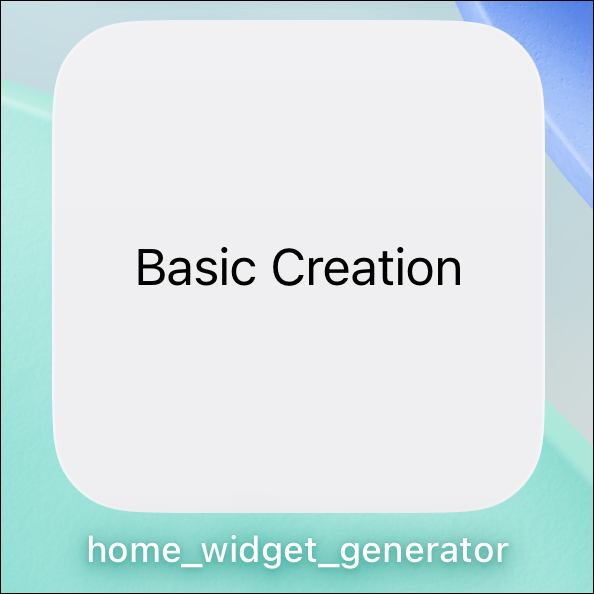
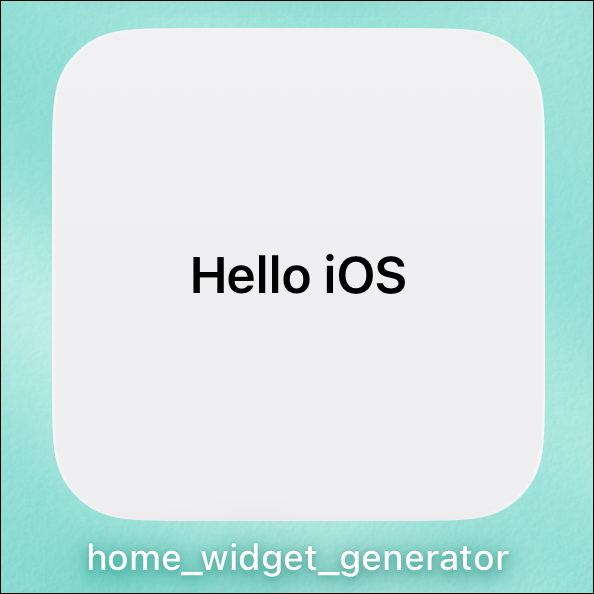
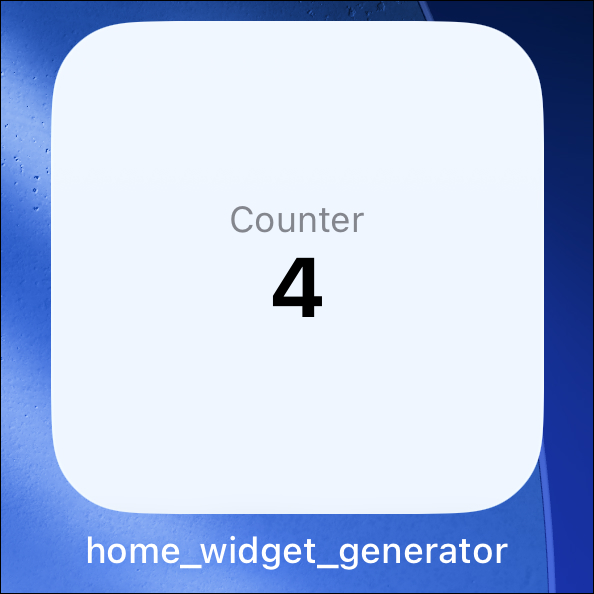
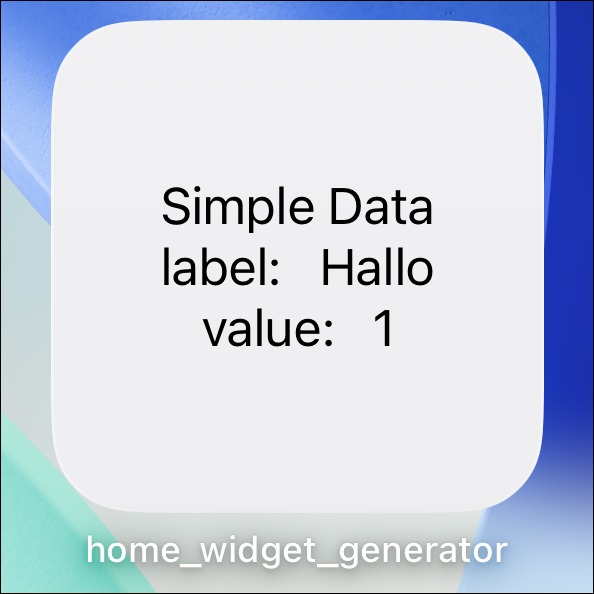
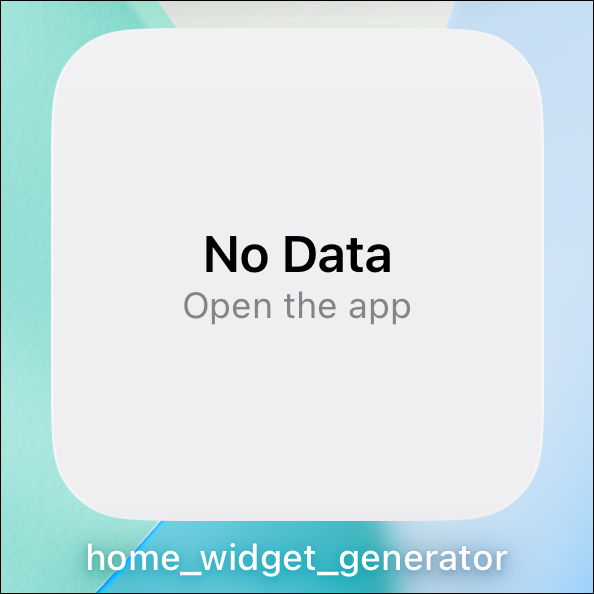
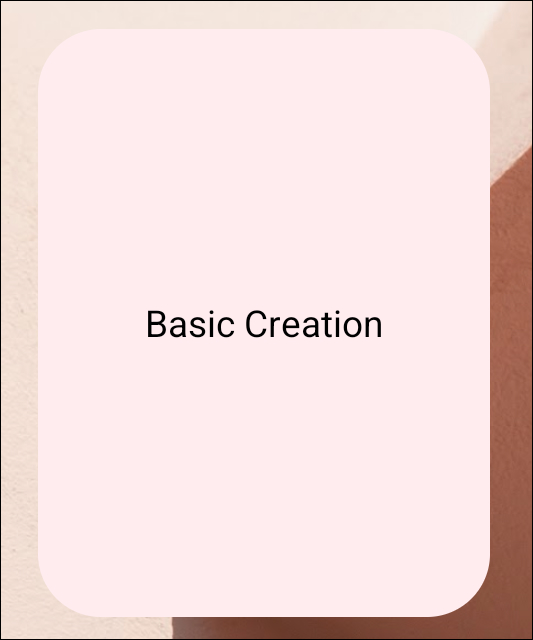
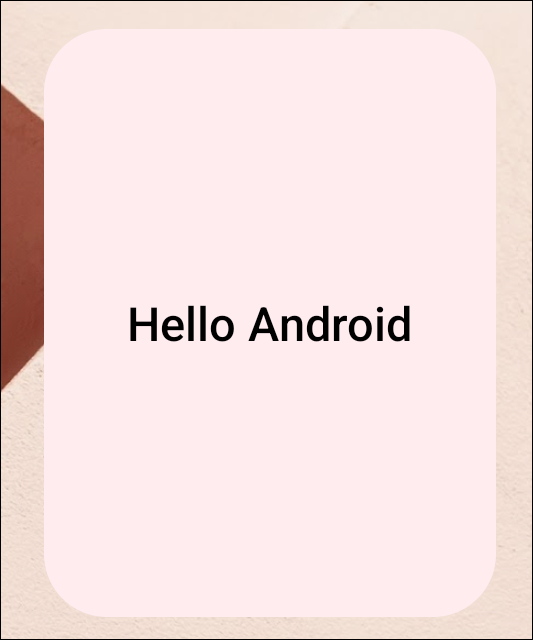
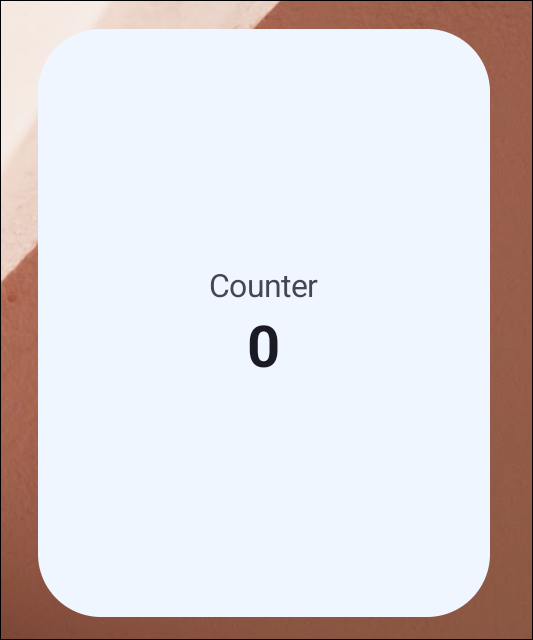
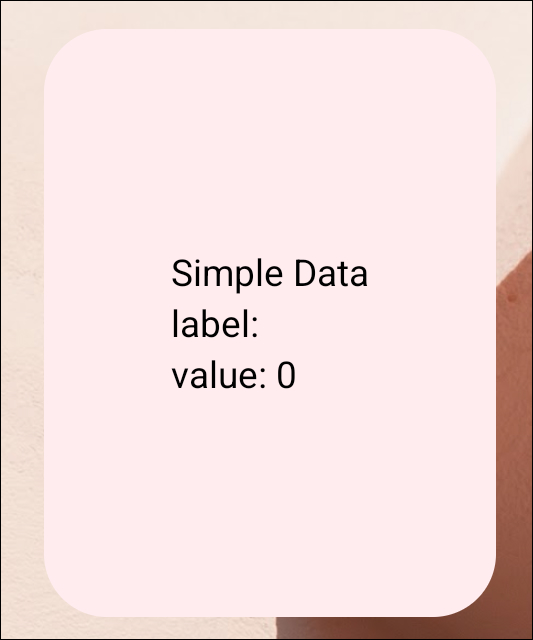
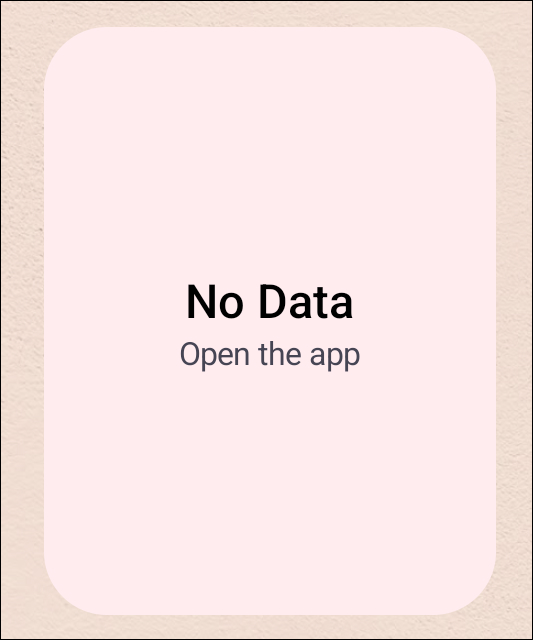
The Greeting widget in [Getting Started](/generator/getting-started) is part of a larger set of schemas in the [`generator_basics`](https://github.com/ABausG/home_widget/tree/main/examples/generator_basics/home_widget) example app (install name: **home_widget_generator**). See the [example README](https://github.com/ABausG/home_widget/blob/main/packages/home_widget_generator/example/README.md) for full source and more previews.
| | [Greeting](https://github.com/ABausG/home_widget/blob/main/examples/generator_basics/home_widget/greeting.dart) | [Basic Creation](https://github.com/ABausG/home_widget/blob/main/examples/generator_basics/home_widget/basic_creation.dart) | [Adaptive Greeting](https://github.com/ABausG/home_widget/blob/main/examples/generator_basics/home_widget/adaptive_greeting.dart) | [Themed Counter](https://github.com/ABausG/home_widget/blob/main/examples/generator_basics/home_widget/themed_counter.dart) | [Simple Data](https://github.com/ABausG/home_widget/blob/main/examples/generator_basics/home_widget/simple_data.dart) | [Conditional Status](https://github.com/ABausG/home_widget/blob/main/examples/generator_basics/home_widget/conditional_status.dart) |
| :--- | :---: | :---: | :---: | :---: | :---: | :---: |
| iOS | 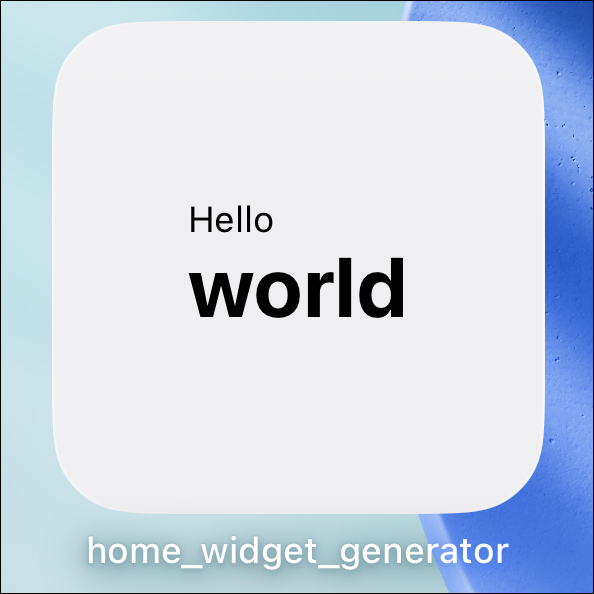 |
|  |
|  |
|  |
|  |
|  |
| Android |
|
| Android | 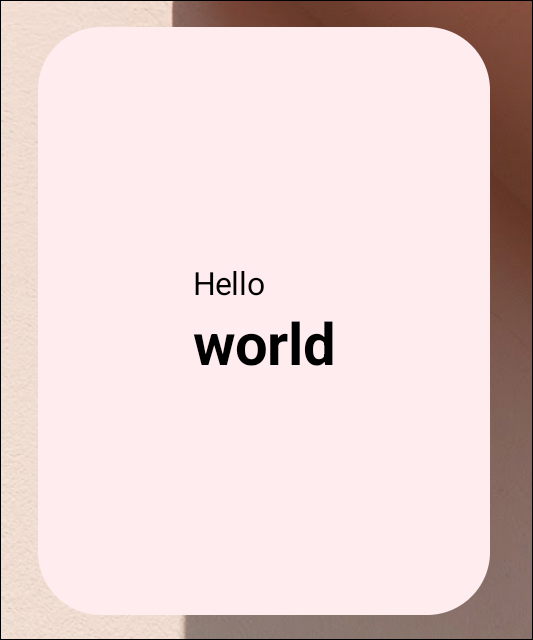 |
|  |
|  |
|  |
|  |
|  |
## Next steps
- [Getting Started](/generator/getting-started) - install the generator and ship your first widget.
- [Annotation](/generator/annotation) - the `@HomeWidget` annotation and platform configuration options.
- [Widgets](/generator/widgets) - the layout primitives (`HWColumn`, `HWRow`, `HWText`, `HWConditional`, ...) you use to describe the UI.
- [Styling](/generator/styling/hw-color) - colors, text styles, padding, and other shared building blocks.
- [Formatting](/generator/formatting) - locale-aware numbers, currencies, percentages and dates, formatted on the device.
- [CLI](/cli) - command reference for `home_widget_cli`.
|
## Next steps
- [Getting Started](/generator/getting-started) - install the generator and ship your first widget.
- [Annotation](/generator/annotation) - the `@HomeWidget` annotation and platform configuration options.
- [Widgets](/generator/widgets) - the layout primitives (`HWColumn`, `HWRow`, `HWText`, `HWConditional`, ...) you use to describe the UI.
- [Styling](/generator/styling/hw-color) - colors, text styles, padding, and other shared building blocks.
- [Formatting](/generator/formatting) - locale-aware numbers, currencies, percentages and dates, formatted on the device.
- [CLI](/cli) - command reference for `home_widget_cli`.