
Native Ad templates
Display a native ad using the built-in template view.
Native templates are the fastest way to display native ads.
To use a template, render NativeAdView without children.
The native SDK will build the layout and populate it automatically.
import { NativeAdView, NativeAdContent, NativeTemplateStyle } from 'react-native-cas';
Template layouts
The template layout depends on the NativeAdView size (mainly height).
-
If the height is greater than 500, a large native ad layout is used.
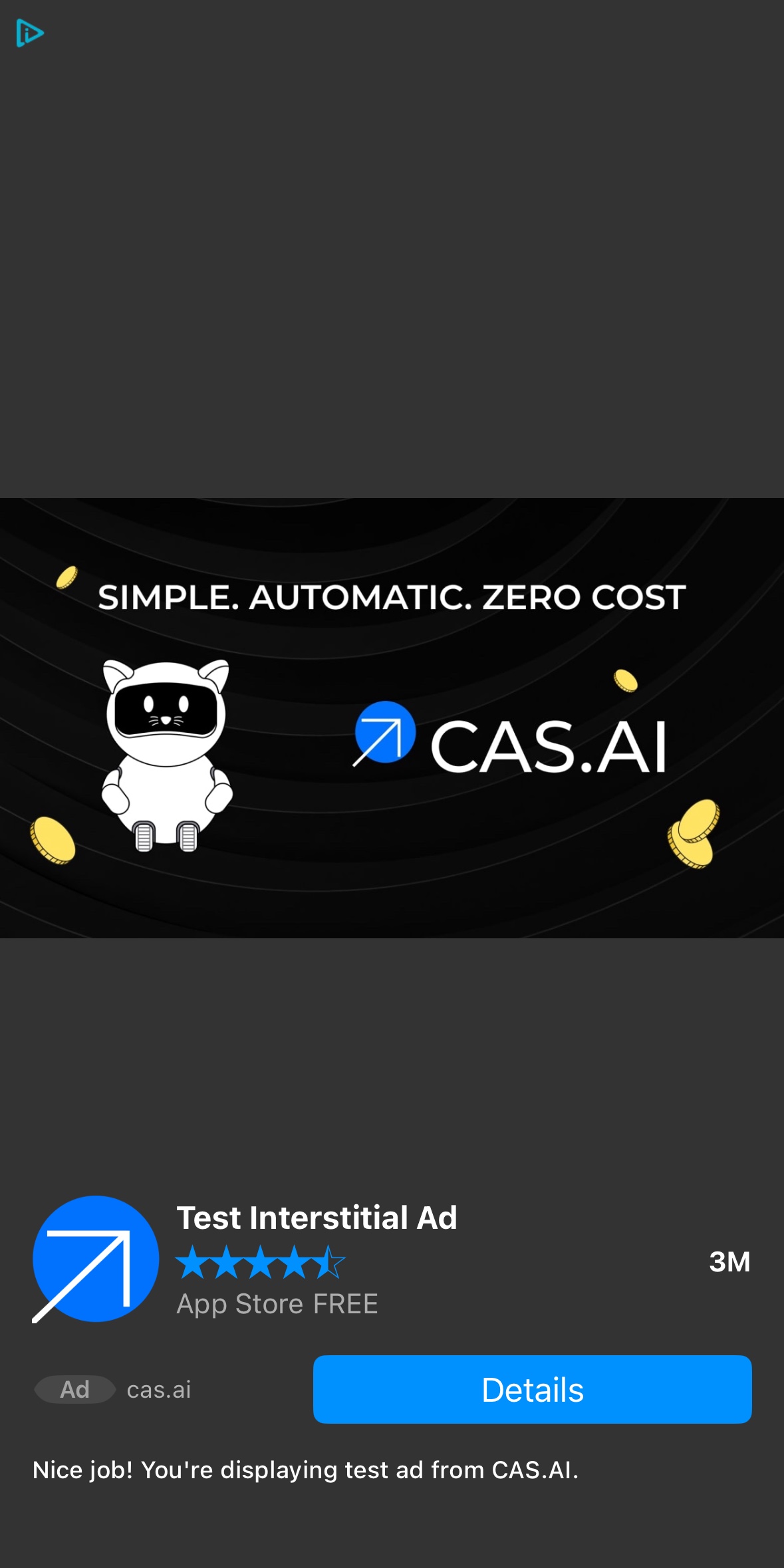
-
If the height is greater than 200, a medium layout is used.
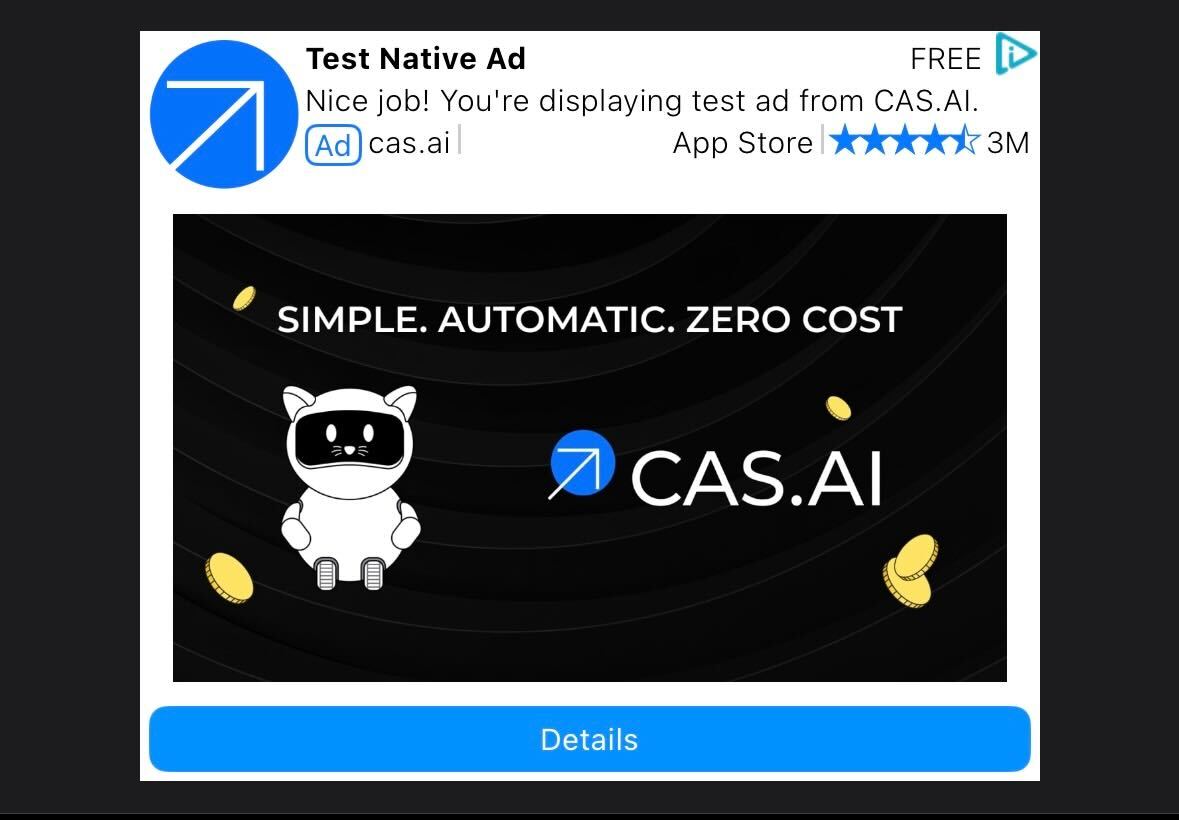
-
Otherwise, a small layout is used.

Display a template view
Provide a size for predictable layout (recommended).
import React from 'react';
import { View } from 'react-native';
import { NativeAdView, NativeAdContent } from 'react-native-cas';

export function NativeTemplateCard({ ad }: { ad: NativeAdContent }) {
  return (
    <View style={{ width: '100%' }}>
      <NativeAdView ad={ad} width={300} height={250} />
    </View>
  );
}
- If you add any children to
NativeAdView, the template mode is disabled and you must provide asset views manually. - Keep the view mounted while it’s visible for smoother UX.
Customize template style (optional)
You can customize the template appearance using templateStyle.
- The background color
- The primary color for Call-to-Action background
- The text color for Call-to-Action
- The Headline text color
- The Headline text font style
- The Secondary text color
- The Secondary text font style
export function StyledTemplate({ ad }: { ad: NativeAdContent }) {
  return (
    <NativeAdView
      ad={ad}
      width={300}
      height={250}
      templateStyle={{
        backgroundColor: '#FFFFFF',
        primaryColor: '#3B82F6',
        primaryTextColor: '#FFFFFF',
        headlineTextColor: '#111827',
        headlineFontStyle: 'bold',
        secondaryTextColor: '#6B7280',
        secondaryFontStyle: 'normal',
      }}
    />
  );
}