---
title: Mobile app
description: MyNeS Mobile — a standalone native scanner for Android and iOS.
---
> ## Documentation Index
> Fetch the complete documentation index at: https://docs.page/fxerkan/my_network_scanner/llms.txt
> Use this file to discover all available pages before exploring further.
**MyNeS Mobile** is a standalone native app (React Native + Expo) that runs the whole scanning
engine **on-device**. There's no server to run, no Docker, no pairing — the phone does the
scanning. Same functionality and the same look and feel as the web app.
👉 Full showcase with screenshots: **[mynes.fxerkan.com/mobile.html](https://mynes.fxerkan.com/mobile.html)**
## How the on-device engine works
A ping / TCP-connect sweep primes the kernel ARP cache, then MyNeS merges several unprivileged
sources into one device record:
- **MAC** — read from the ARP/NDP cache after the sweep via a bundled native module (Android + iOS), no root needed
- **Vendor** — resolved offline from the bundled IEEE OUI table
- **Name** — reverse-DNS, then mDNS/Bonjour, SSDP/UPnP and NetBIOS, falling back to an HTTP title / banner guess
- **Type** — port-based classification refined by a banner-grab pass that only probes open ports
- **OS** — the phone's own OS is authoritative; other hosts are inferred from banners
## Screens
Devices, Discovery, Alerts, Security, History and Settings — captured on **iPhone** and
**Pixel** hardware while scanning a live home network. See the full
[showcase page](https://mynes.fxerkan.com/mobile.html).
### iOS
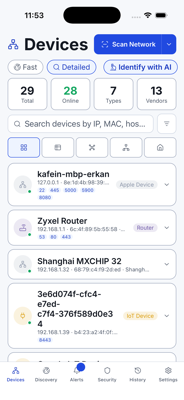
Devices |
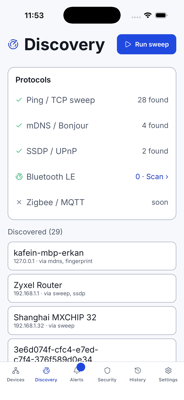
Discovery |
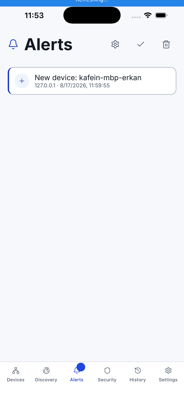
Alerts |
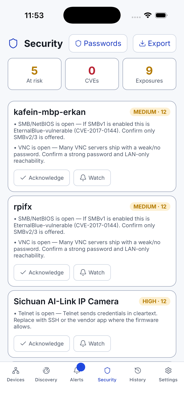
Security |
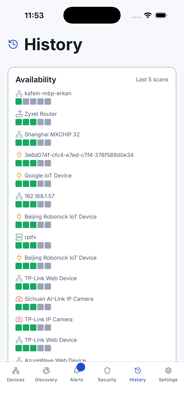
History |
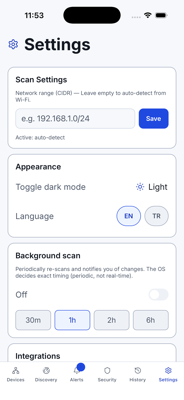
Settings |
### Android
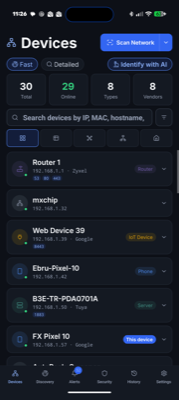
Devices |
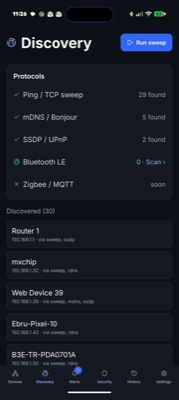
Discovery |
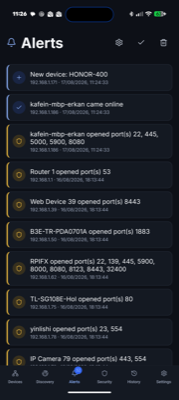
Alerts |
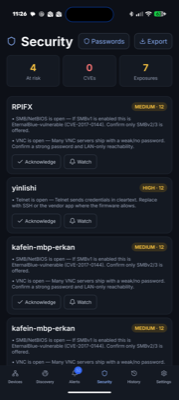
Security |
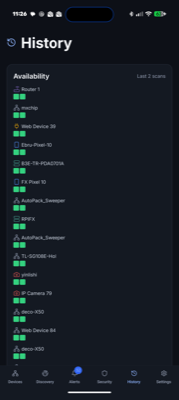
History |
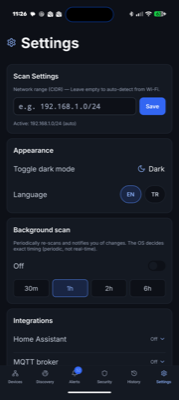
Settings |
## Install
Get it from **Google Play** or the **App Store** and install it like any other app — no account,
no server, no pairing. The same scanner is also available as the [web app](/installation) and the
[Home Assistant add-on](/integrations#home-assistant).
> Web app or mobile app? Use the **web app** for an always-on home-server scanner with monitoring and integrations. Use the **mobile app** when you want to open your phone, tap scan, and instantly see what's on the Wi-Fi you're connected to.