First presentation
Step-by-step tutorial to create your first complete SuperDeck presentation
First presentation tutorial
Create a complete presentation from scratch while learning SuperDeck's key features.
What you'll build
A Flutter development presentation with:
- Centered title slide
- Multi-column layouts
- Images and code examples
- Interactive DartPad
- Custom styling
Prerequisites
- SuperDeck installed and set up (Getting Started)
- Basic understanding of Markdown
Create a title slide
In your slides.md:
---
title: Flutter Development Essentials
---

@section

@column {
  align: center
}

# Flutter Development Essentials

## Building Beautiful Apps with Ease

**Your Name**
*Today's Date*

---
Build and test:
superdeck build --watch
flutter run
Add content slides
Add slides introducing Flutter concepts:
## What is Flutter?
@section
@column {
flex: 2
}
Flutter is Google's **UI toolkit** for building natively compiled applications for:
- 📱 Mobile (iOS & Android)
- 🌐 Web
- 🖥️ Desktop (Windows, macOS, Linux)
- 📺 Embedded devices
@column
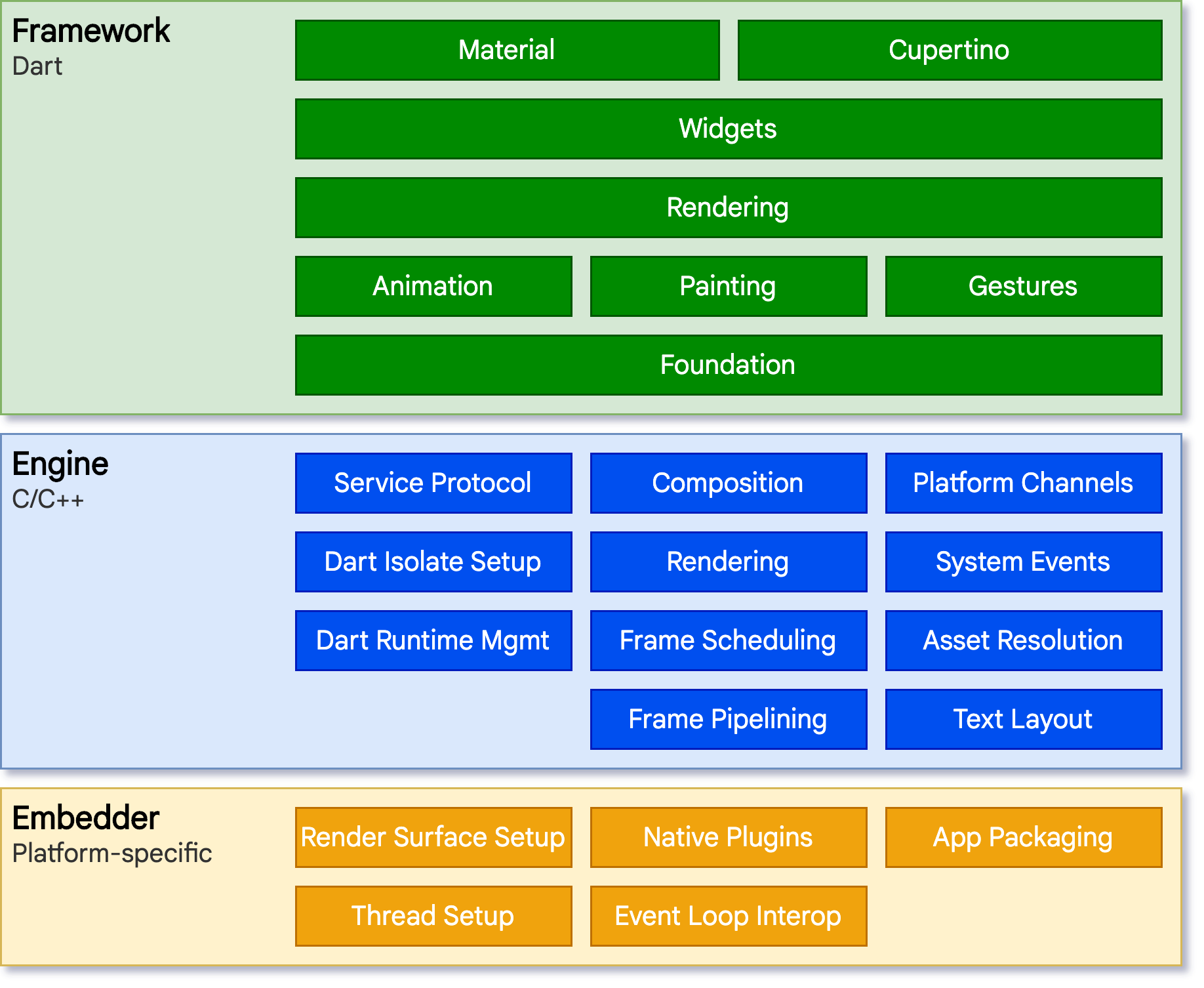
---
Create a multi-column layout
## Why Choose Flutter?

@section

@column

### ⚡ Performance
- Native performance
- 60fps animations
- Direct GPU rendering

### 🎨 Beautiful UI
- Material Design
- Cupertino widgets
- Custom styling

@column

### 🔥 Hot Reload
- Instant updates
- Preserve app state
- Fast iteration

### 🌍 Single Codebase
- Write once, run everywhere
- Shared business logic
- Consistent user experience

---
Add code examples
Include syntax-highlighted code:
## Your First Flutter App

@section

@column

Here's a simple Flutter app:

```dart
import 'package:flutter/material.dart';

void main() {
  runApp(MyApp());
}

class MyApp extends StatelessWidget {
  @override
  Widget build(BuildContext context) {
    return MaterialApp(
      home: Scaffold(
        appBar: AppBar(title: Text('Hello Flutter')),
        body: Center(
          child: Text('Hello, World!'),
        ),
      ),
    );
  }
}
```

@column

### Key Concepts:
- **Widgets** - Everything is a widget
- **MaterialApp** - App structure
- **Scaffold** - Page layout
- **StatelessWidget** - Immutable widgets

---
Add interactive content
Add a DartPad for live coding:
## Try It Yourself

@section

@column

Experiment with this Flutter code:

- Modify the text
- Change colors
- Add more widgets

@column {
  flex: 2
}

@dartpad {
  id: "your_dartpad_id"
  theme: "dark"
  run: true
}

---
Replace your_dartpad_id with an ID from dartpad.dev.
Add images
## Flutter in Action

@section

@column

### Popular Apps Built with Flutter:

- **Google Ads**
- **Alibaba**
- **BMW**
- **Nubank**
- **Tencent**

@image {
  src: https://docs.flutter.dev/assets/images/docs/showcase/showcase-montage.jpg
  fit: cover
  flex: 2
}

---
Add a call to action
## Get Started Today!

@section

@column {
  align: center
}

### Ready to build with Flutter?

**Install Flutter:**
```bash
flutter create my_app
cd my_app
flutter run
```

**Resources:**
- [flutter.dev](https://flutter.dev)
- [pub.dev](https://pub.dev) - Package repository
- [Flutter documentation](https://docs.flutter.dev)

---
Complete example
Here's the full slides.md file:
---
title: Flutter Development Essentials
---
@section
@column {
align: center
}
# Flutter Development Essentials
## Building Beautiful Apps with Ease
**Your Name**
*Today's Date*
---
## What is Flutter?
@section
@column {
flex: 2
}
Flutter is Google's **UI toolkit** for building natively compiled applications for:
- Mobile (iOS & Android)
- Web
- Desktop (Windows, macOS, Linux)
- Embedded devices
@column

---
## Why Choose Flutter?
@section
@column
### Performance
- Native performance
- 60fps animations
- Direct GPU rendering
### Beautiful UI
- Material Design
- Cupertino widgets
- Custom styling
@column
### Hot Reload
- Instant updates
- Preserve app state
- Fast iteration
### Single Codebase
- Write once, run everywhere
- Shared business logic
- Consistent user experience
---
## Get Started Today!
@section
@column {
align: center
}
### Ready to build with Flutter?
**Install Flutter:**
```bash
flutter create my_app
cd my_app
flutter run
```
**Resources:**
- [flutter.dev](https://flutter.dev)
- [Flutter documentation](https://docs.flutter.dev)
---
Next steps
- Block Types Reference - Learn all block types
- CLI Reference - Master CLI tools
- DeckOptions API - Customize styles
- Examples - View real-world examples